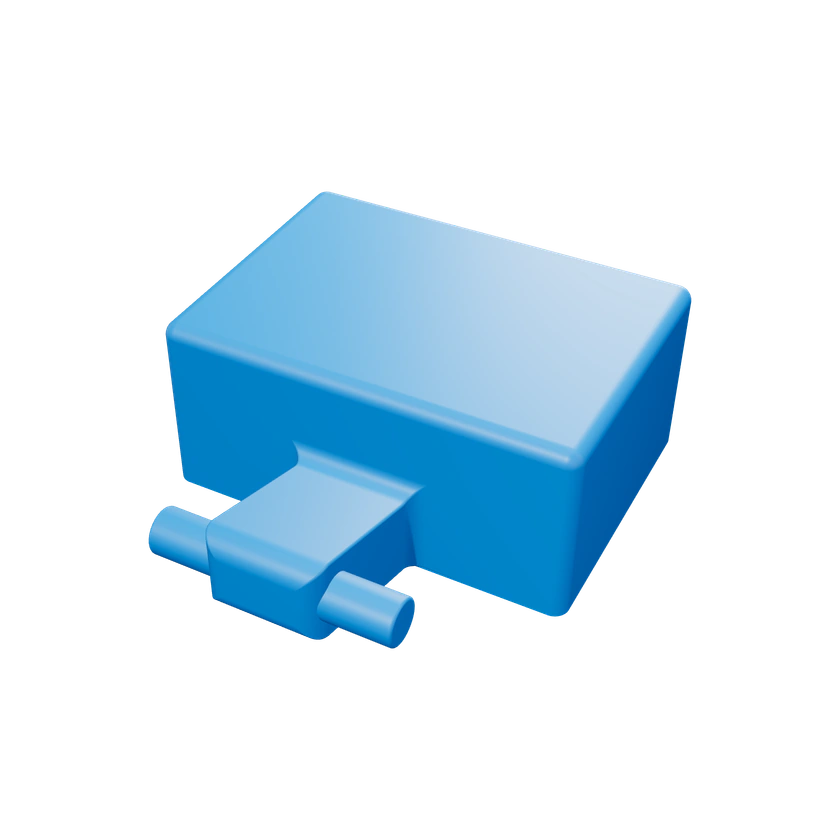
“Tank full” message
The station reports a full dirty water tank although it is actually empty or was just emptied.
 3DBlackMT
Ecovacs X9 replacement part
3DBlackMT
Ecovacs X9 replacement part
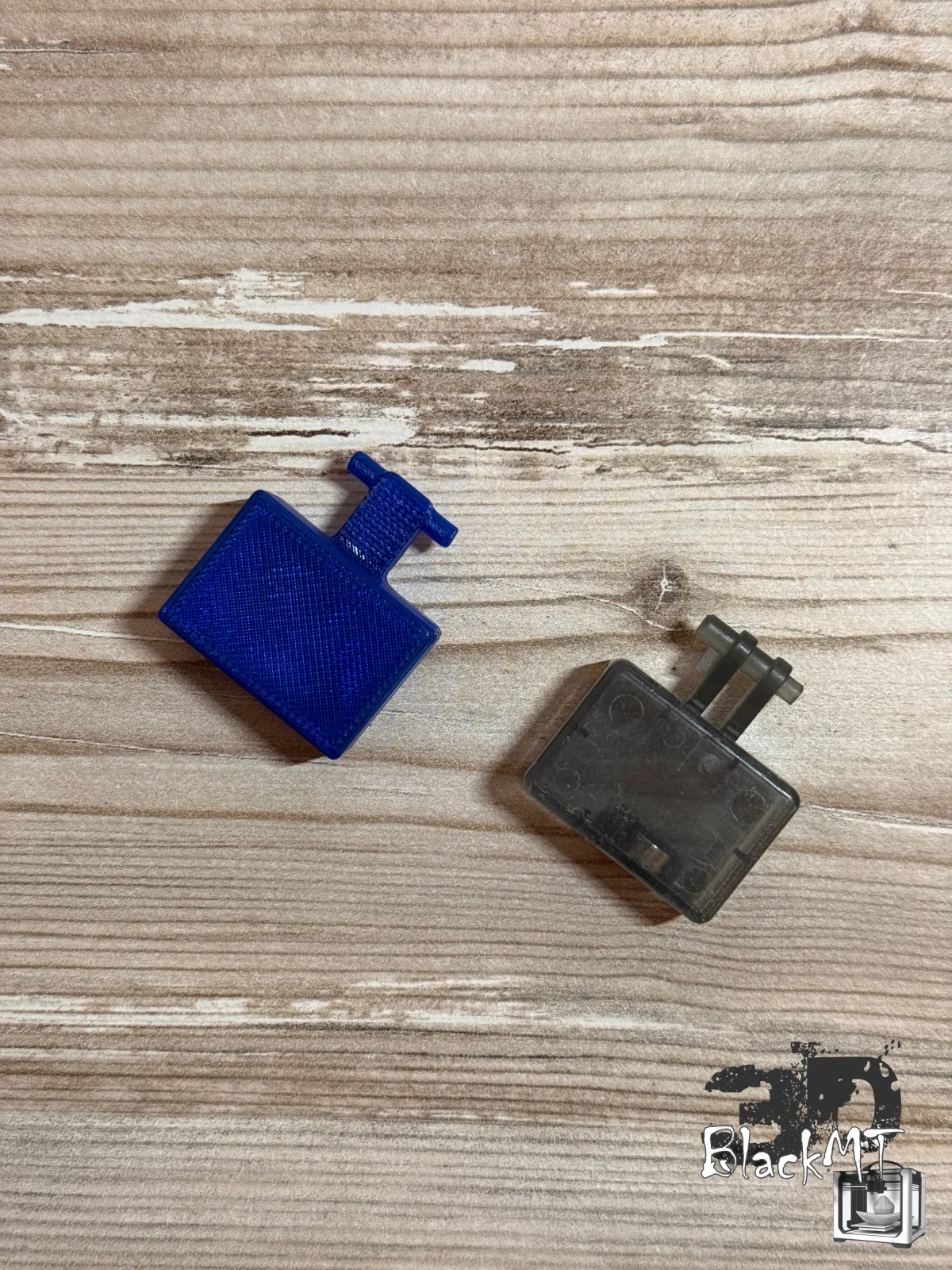 #01 Compare the shape
If the station of your Deebot X9 keeps reporting a full dirty water tank although it is empty, or if mopping stops working, check the small float in the water tank first. Comparing the shape can help before replacing the complete water tray.
This page does not replace the manufacturer’s repair instructions. It helps you narrow down the issue and avoid missing the float as a possible cause.
The station reports a full dirty water tank although it is actually empty or was just emptied.
The robot runs, but the mop pad stays dry or water delivery feels unreliable.
During cleaning or disassembly, the small float can get damaged, jammed or lost.
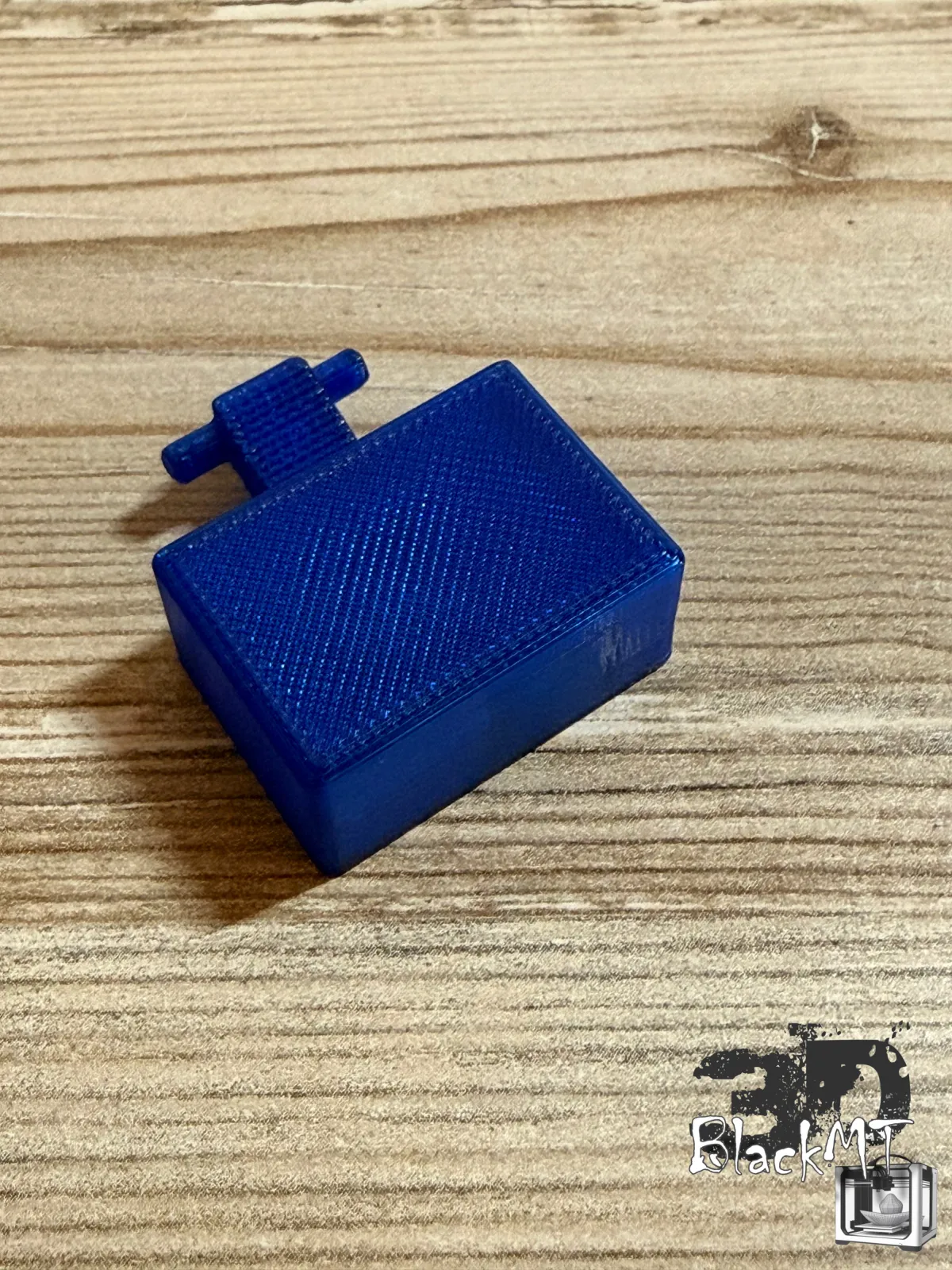
Only inspect the water tray when the robot is switched off and safe to handle.
Check whether the small part is present and sits in the correct position.
The float must not jam, be broken or visibly deformed.
Compare your part or the mounting position with the photos before ordering.
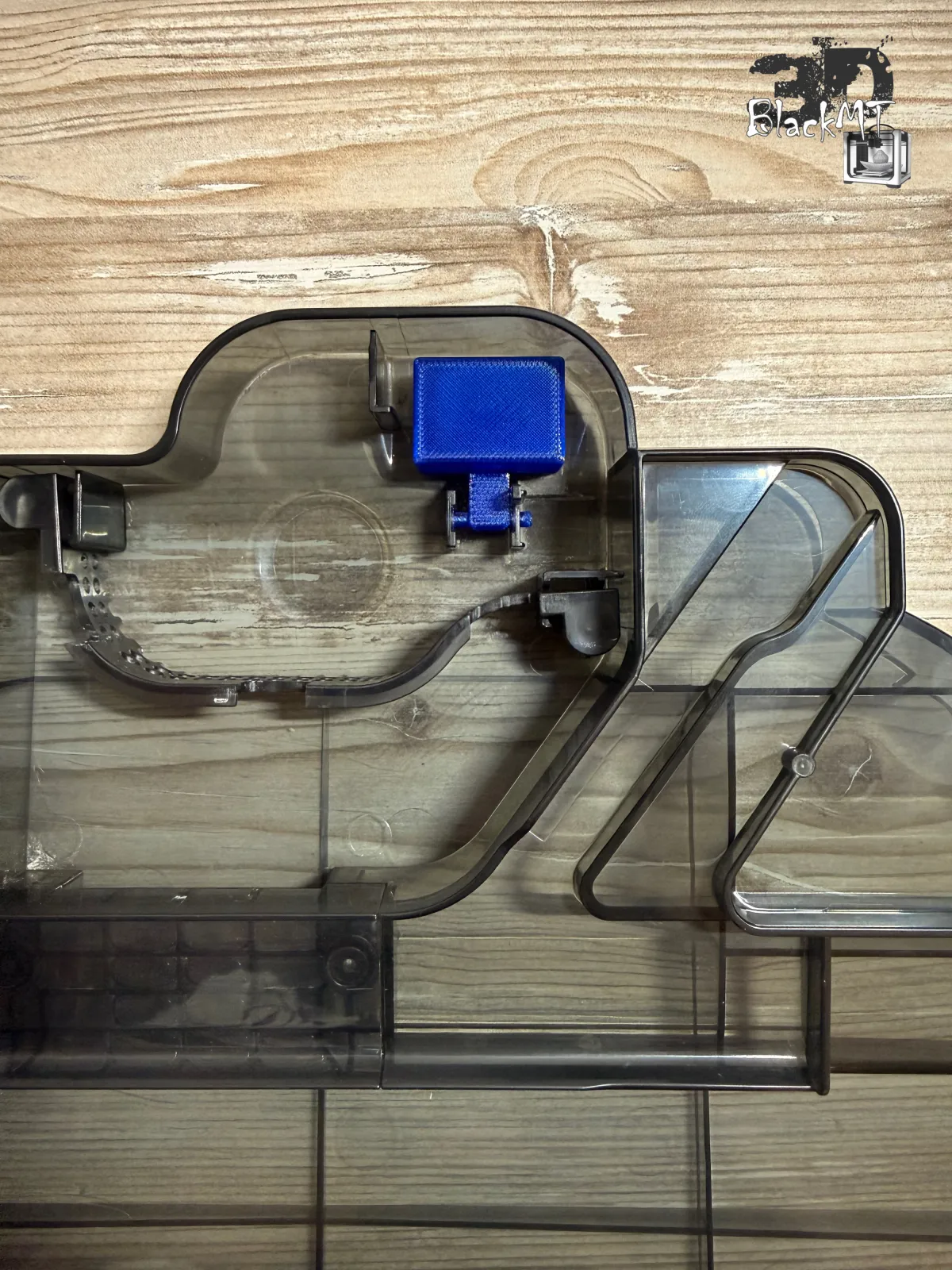
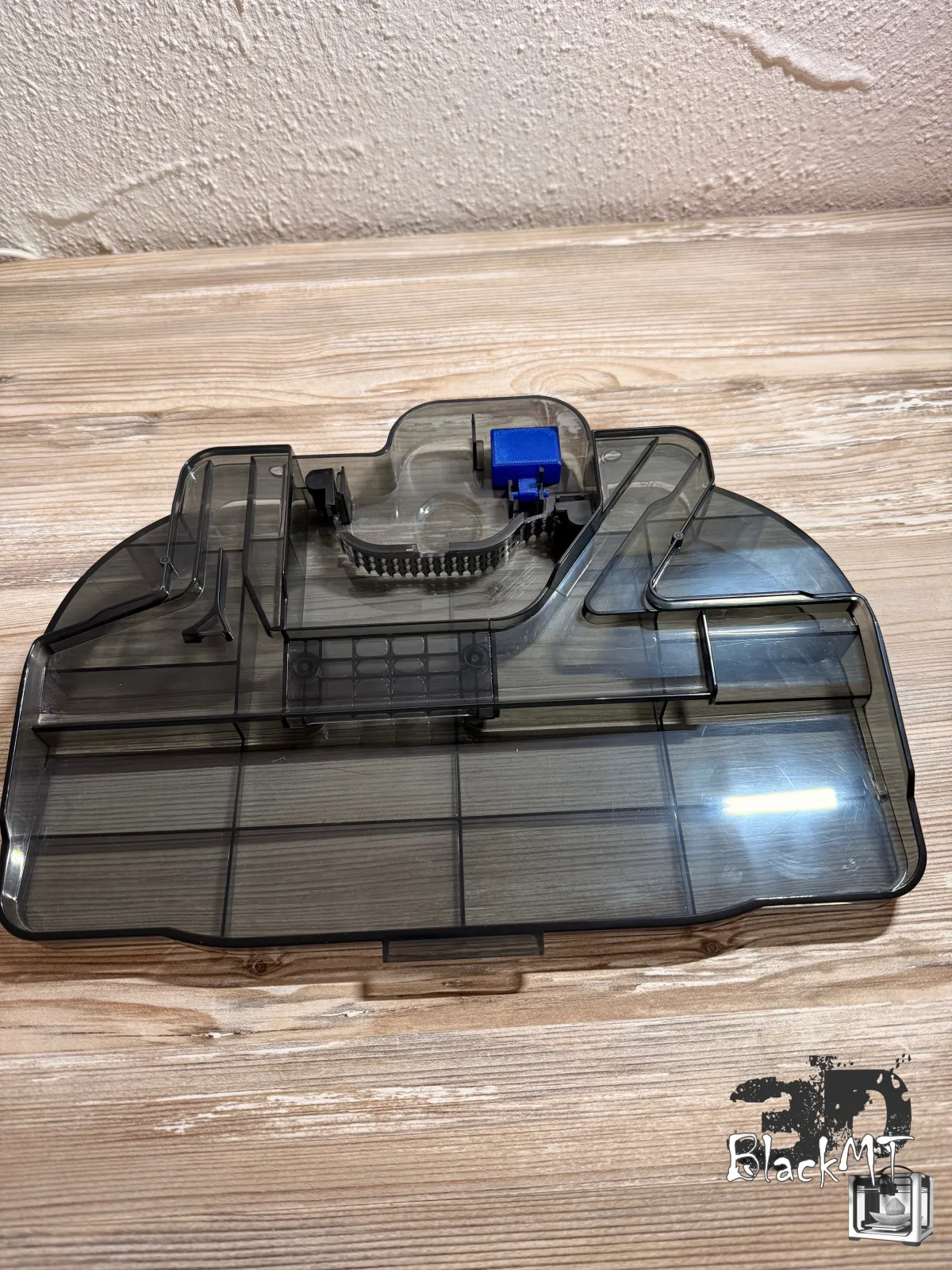
The most important step before ordering is the shape comparison. This page is meant to prevent wrong purchases, not just to sell.
According to our research the part is identical for the Deebot T80 OMNI. As we were not able to test this model ourselves, please compare the photos particularly carefully – if you are unsure, feel free to message us first.
For small plastic parts, 3D printing is often exactly the right approach: small quantities, quick adjustments and no unnecessary replacement of large assemblies.
We fitted the part into a Deebot X9 Pro OMNI and ran it successfully for several days.
The magnet is already in place. Nothing has to be modified and nothing has to be taken out of the old part.
Compatible 3DBlackMT replacement part made from PETG, resistant to moisture and cleaning agents. Not an original part and not affiliated with Ecovacs.
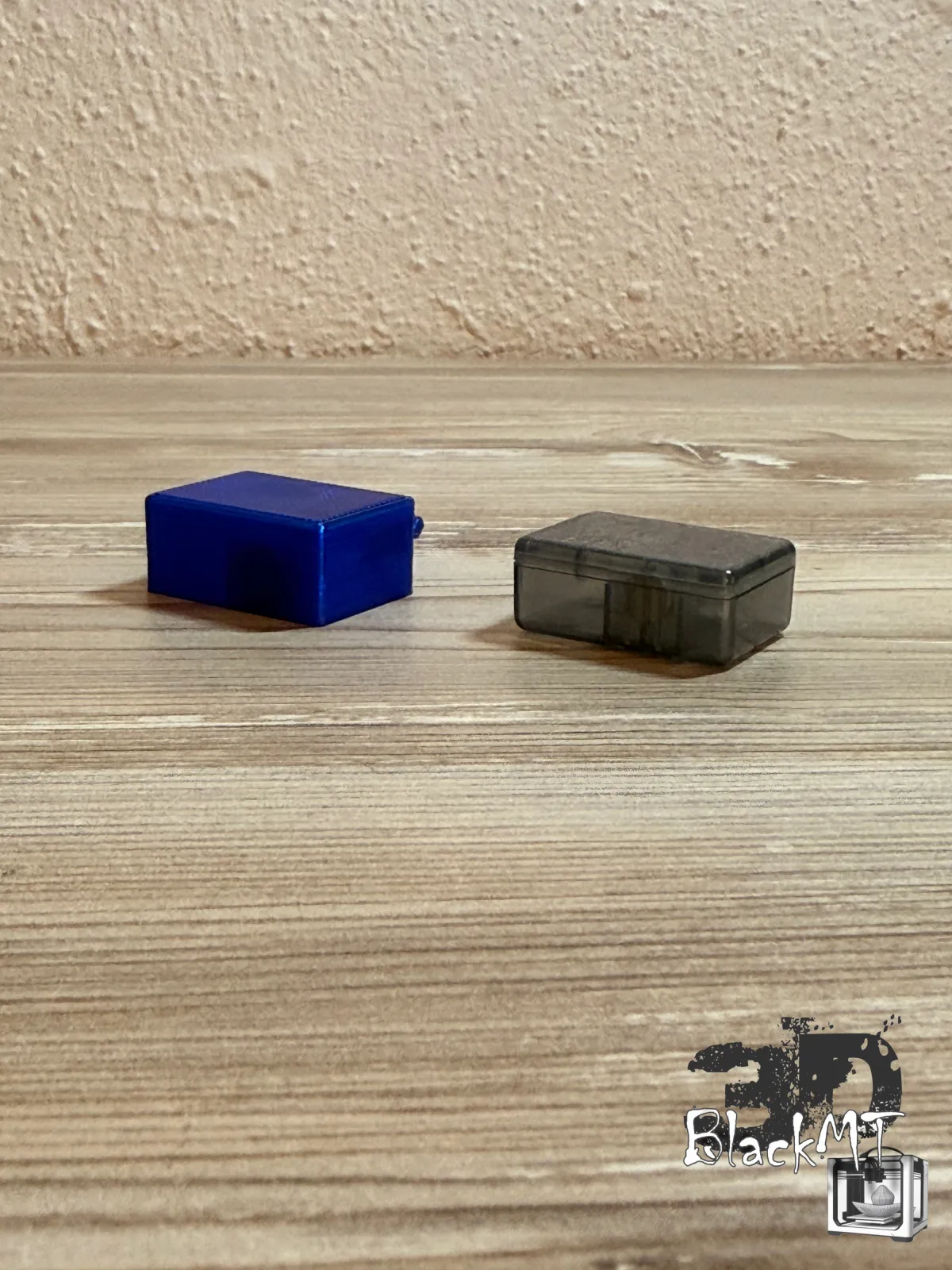
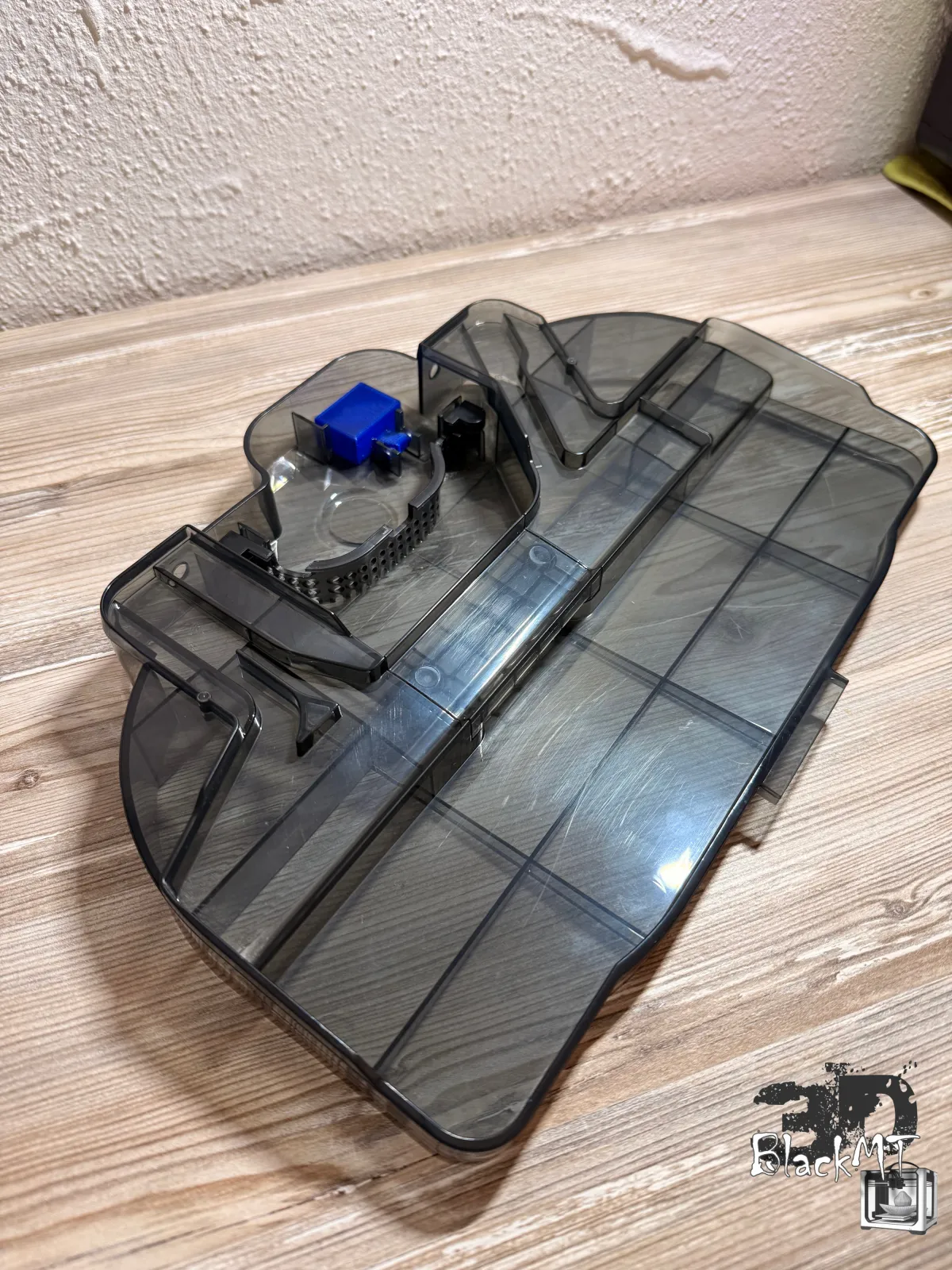
So it is clear before ordering what you get and what is explicitly not included.
Technical replacement part, not a toy. Contains small parts and a magnet. Not suitable for children and to be kept out of reach of children: swallowed magnets can cause serious injuries. Installation is at your own risk.
Short answers for visitors who want to know whether problem, tank and replacement part match.
No. It is a compatible replacement part from 3DBlackMT and not an original Ecovacs part.
According to our research the part is identical. We were not able to test the T80 OMNI ourselves, so please compare the photos particularly carefully and ask before ordering if in doubt.
No. The magnet is already fitted. You only replace the float itself.
Model, mounting position, the existing float, its movement and possible damage. If unsure, better ask before ordering.
No. If the pump, a sensor, seals or other components are affected, the cause may be somewhere else.
There is a separate part and a separate check page for the Deebot X8 OMNI and X8 Pro OMNI: go to the X8 page.
Compare your existing part and the mounting position with the product photos. If you are unsure, please ask via Etsy before ordering and keep a photo of your tank ready.
If the float is missing, jammed or damaged and the shape matches, you will find the matching 3DBlackMT replacement part directly in the Etsy listing.
Note: 3DBlackMT offers compatible replacement parts. Ecovacs and Deebot are trademarks of their respective owners. This page is not affiliated with Ecovacs and does not replace official manufacturer instructions.